LEOFOTO · Columns and tripod adapters
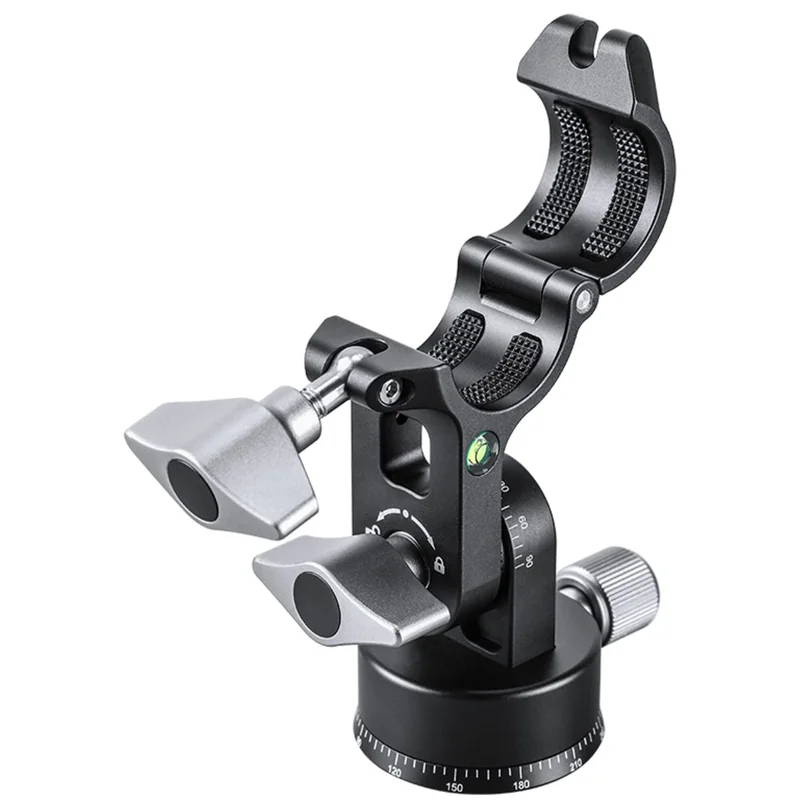
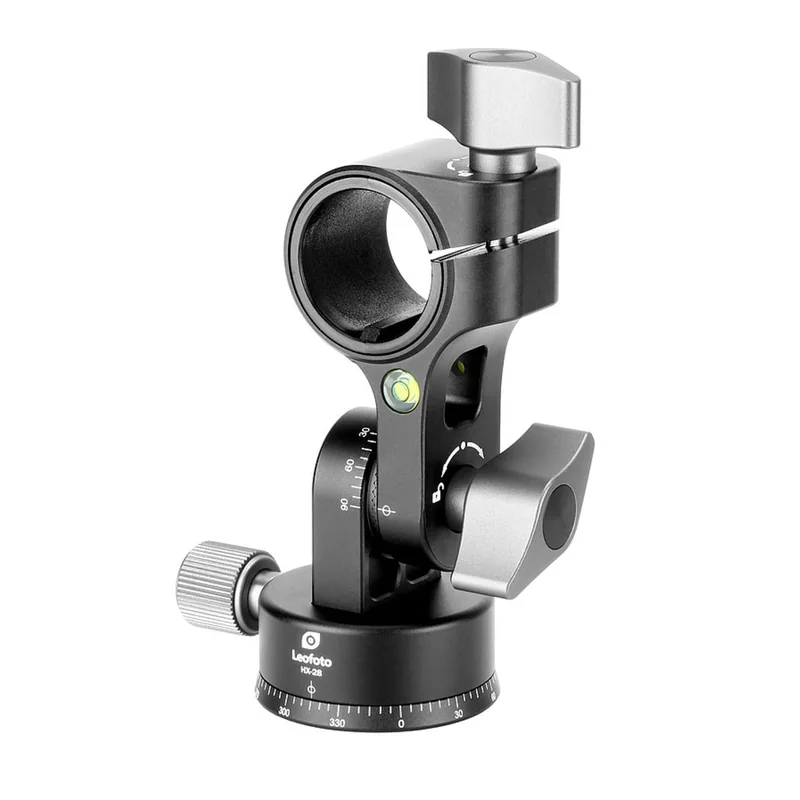
Leofoto HX-28 tilt adapter for 28 mm LX-series columns
When to choose it
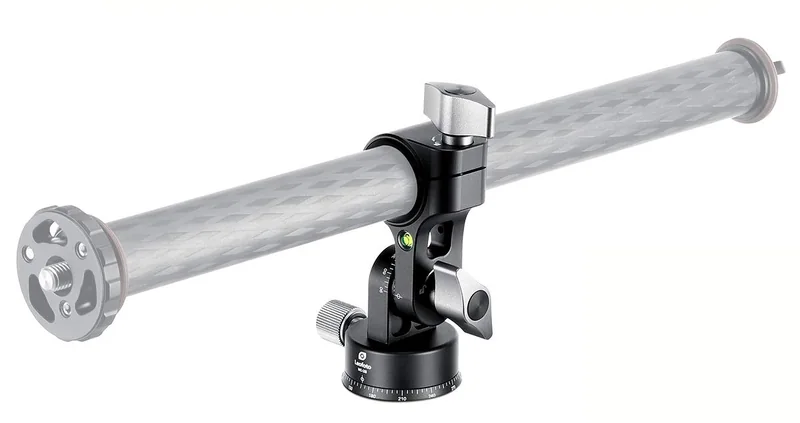
The HX-28 is useful when a straight center column leaves the camera above the wrong part of a tabletop. The adapter lets you change the angle of a compatible column and pan the assembly to position the camera over your subject.
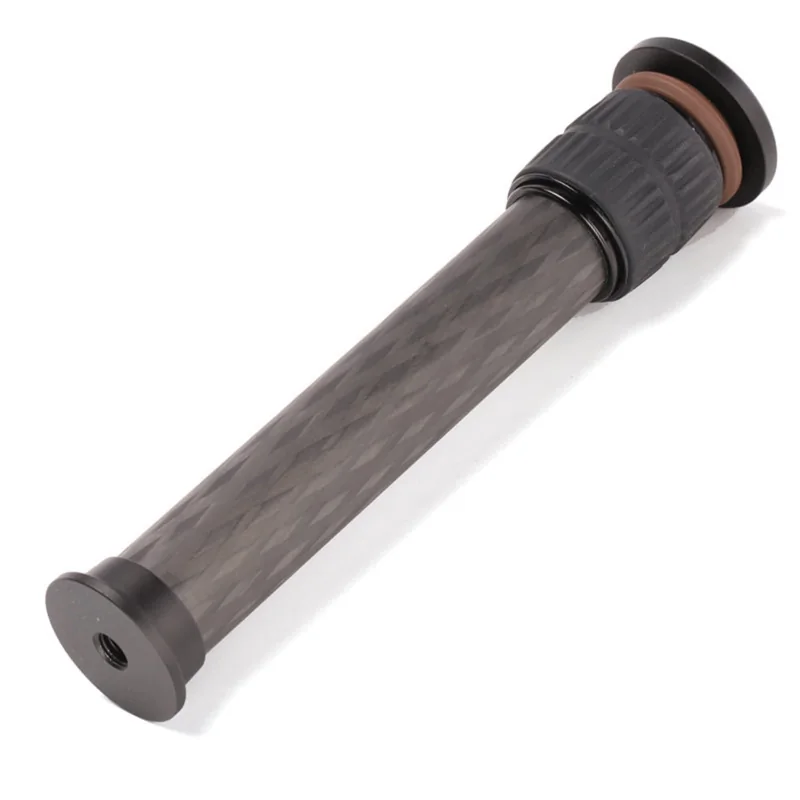
Use the tripod series and tube diameter together. Leofoto identifies the HX series for its LX columns and points users with standard columns to the HS series. The retailer describes broader fit. Choose this adapter only when you can confirm an appropriate 28 mm LX column.
Specifications
- Brand
- LEOFOTO
- Upper connection
- 28 mm Leofoto LX column
- Lower connection
- Leofoto LX tripod setup
- Model
- HX-28
- In the box
- Tilt adapter for a compatible column
- Column
- 28 mm Leofoto LX-series interface
- Controls
- Toothed tilt lock and panning base
- Construction
- CNC-machined aluminum
- Amazon.com reference
- B08SXRPC9Q
Fit and buying advice
Confirm the tube you already own and the shorter column arrangement if required. The illustration shows a fitted column for context. Plan for the camera's reach and the space needed around the tripod legs.
Care Check the toothed engagement before releasing the column. Support the camera and column when changing their angle.
Compare options in this department ↗
Documentation
Questions about this accessory
Does any 28 mm tube fit the HX-28?
The manufacturer limits the HX series to Leofoto LX-series columns. Diameter alone does not establish fit.
Why use this for overhead shots?
Tilting and panning the column moves the camera away from the straight centerline, which gives you more room to frame above a table.
Does the name HX-28 refer to the camera screw?
It identifies the 28 mm column diameter. The camera-side mounting hardware is a separate fit check.